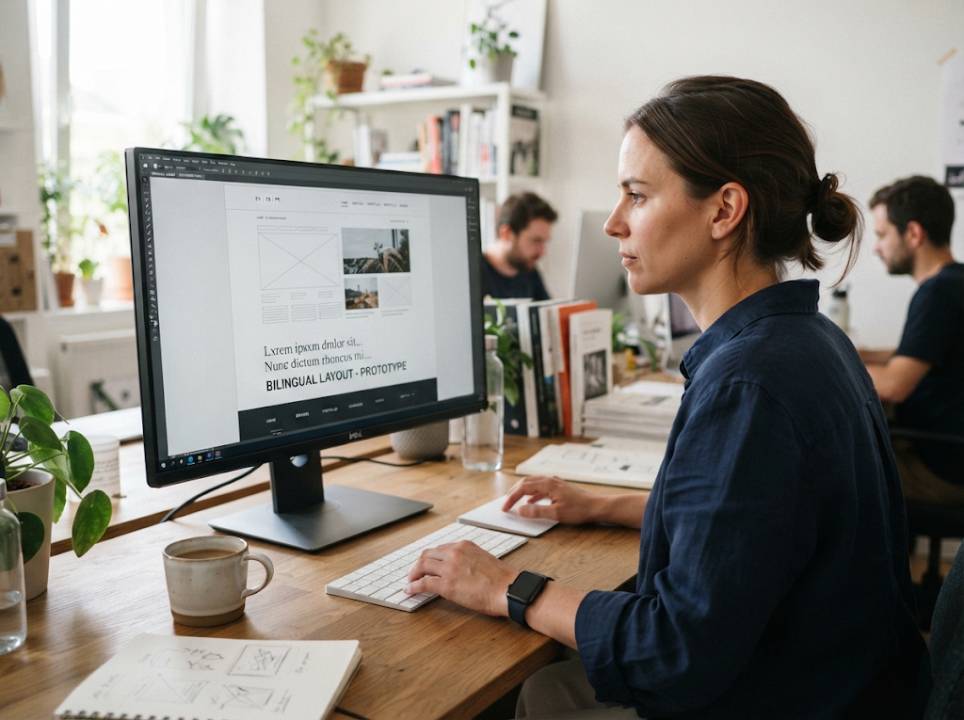
A website that serves visitors in English and Arabic has to do more than show the same words twice. Arabic runs from right to left, uses a different script and shapes how a page feels from the first second. Businesses that plan for this early end up with a site that looks native in both languages. Those that treat Arabic as an afterthought usually end up redesigning.
Plan for right-to-left from day one
In an Arabic layout, the logo moves to the right, menus read from right to left and the order of columns is reversed. Buttons such as "next" and "back" swap sides. Designing the site with flexible styles, instead of fixed left and right positions, makes the switch much easier.
A mirrored layout is not a mirrored image. Photos and logos usually stay the same, while text blocks, menus and icons that suggest direction are flipped.
Choose fonts that support Arabic
Arabic letters connect and change shape depending on their position. Fonts must handle these forms properly, and sizes often need to be a little larger than for Latin text to stay readable. Test headings, body text and buttons with real Arabic content and check how line spacing looks.
Mixed content in one line
Arabic pages often include English brand names, numbers, links and email addresses. These parts run left to right inside a right-to-left sentence. Punctuation and brackets can jump to the wrong side if the page does not manage text direction correctly. Test every place where the two scripts meet.
Write for the audience, not the dictionary
Direct translation of marketing copy often sounds stiff. Arabic readers expect a tone that suits the country and the product. Standard Arabic is understood everywhere, while a light regional flavor can make social media posts feel closer. Decide on the voice in advance and give writers examples.
Numbers, dates and currencies
Some Arabic-speaking countries use Western digits, while others use Eastern Arabic digits. Dates may follow the Gregorian or Hijri calendar, and currencies depend on the market. Let users see the format they expect and avoid mixing styles on the same page.
Forms, payments and addresses
Forms need extra care. Name fields must accept Arabic characters, phone formats vary by country and address formats are different from Western ones. Offer the payment methods that customers in your target market actually use, and make error messages clear in both languages.
Working with specialists
A bilingual site needs translators who know the web as well as the language. A team offering Arabic translation services can supply native writers, keep terminology consistent across pages and review the final design with the text in place.
Video and media
Videos on a bilingual site need subtitles or audio in both languages. Arabic subtitles must be positioned and timed carefully, and burned-in captions should not cover key images. Our article on subtitle translation errors shows common problems and how to avoid them.
Technical setup for languages
Mark the language and direction of every page so browsers and screen readers handle text correctly. Use separate URLs for each language and link them with alternate language tags. The web.dev guides from Google explain how to build fast, accessible pages, including guidance on internationalization and performance for multilingual sites.
Search engine optimization
Arabic speakers search with their own words, which are often different from literal translations of English keywords. Research search terms in Arabic for each country, and write titles and descriptions that fit them. Avoid automatic redirects based only on browser language, since that can block users and search engines.
Content management
Choose a content system that handles multiple languages and directions cleanly. Writers should be able to edit Arabic text in a right-to-left editor and preview the page as visitors will see it. Keep translations in a central place so that updates reach every language.
Accessibility
Accessible pages benefit everyone. Provide text alternatives for images in both languages, keep contrast high and make sure that navigation works with a keyboard. Test with screen readers in Arabic, since pronunciation and reading order can differ from English.
Testing before launch
Test on several devices and browsers, with native speakers navigating real tasks. Look for broken layouts, truncated text, misplaced icons and unclear wording. Real users find problems that internal reviews miss.
Maintaining the site
A website changes constantly. Set up a process for sending new pages to translation, reviewing them and publishing in both languages at the same time. Translation memory reduces cost and keeps style consistent.
Common mistakes to avoid
The first is fixing positions in the design so that mirroring breaks the layout. The second is using fonts without Arabic support. The third is translating without context. Each of these can be avoided with early planning.
Closing thoughts
A good bilingual site feels natural in each language. Plan for right-to-left design, choose the right fonts, write for the audience and test with real users. Your visitors will feel the care in every page.